
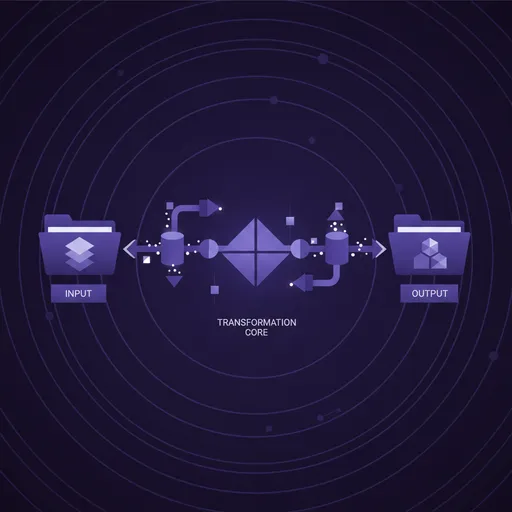
Transcoding Definition
Transcoding is the process of converting video from one codec, resolution, or container format to another, typically to optimize footage for a specific stage of production such as editing, delivery, or archival.
Why transcoding matters for video teams
Video arrives in many formats. Different cameras produce different codecs. Client-supplied footage uses delivery formats. Stock footage comes in various specifications. Screen recordings use variable-rate encoding. A single project might incorporate media from a dozen different sources, each in a different format.
Transcoding normalizes this chaos. By converting all incoming media to a consistent intermediate format, editing systems perform predictably. Timeline playback is smooth because every clip uses the same codec optimized for random access. Color grading is consistent because all footage shares the same bit depth and color space. Export is reliable because there are no format surprises.
Beyond normalization, transcoding serves specific workflow needs: creating proxies for remote editing over limited bandwidth, generating delivery masters in client-specified formats, producing web-optimized versions for review portals, and preparing archival copies in formats chosen for longevity.
Best practices for transcoding
Automate transcoding as part of your ingest pipeline. Manual, ad-hoc transcoding leads to inconsistency — some clips get transcoded, others do not, and editors waste time troubleshooting format mismatches mid-project. A watch folder or automated ingest system that triggers transcoding on arrival ensures every piece of media is edit-ready from the moment it enters your system.
Always preserve original source files. Transcoding is a one-way operation for lossy formats — you cannot restore quality lost during compression. Keep camera originals in secure, backed-up storage even after transcoding to intermediates. If you ever need to re-transcode with different settings or a newer codec, the originals are your insurance.
Profile your transcoding hardware for capacity planning. Know how long it takes your system to transcode an hour of footage at various resolutions. This informs shoot planning — if you shoot 20 hours of 4K footage on a three-day shoot, you need to know whether ingest and transcoding can keep pace with dailies delivery.
How ShotAI relates to transcoding
ShotAI indexes video in any format without requiring pre-transcoding, meaning footage becomes searchable immediately upon ingest regardless of its source codec or container format.
Related Terms
Video Codec
A video codec is a software or hardware algorithm that compresses raw video data for storage and transmission (encoding) and decompresses it for playback and editing (decoding), balancing file size against visual quality..
Proxy Editing
Proxy editing is a workflow technique where editors work with lower-resolution copies of original footage to improve playback performance and editing speed, then relink to full-resolution files for final output..
Media Ingest
Media ingest is the systematic process of importing raw footage and associated files from cameras, storage cards, and external sources into a production system, including verification, organization, backup, and preparation for editing..
Written by the ShotAI team. Last updated May 2026.